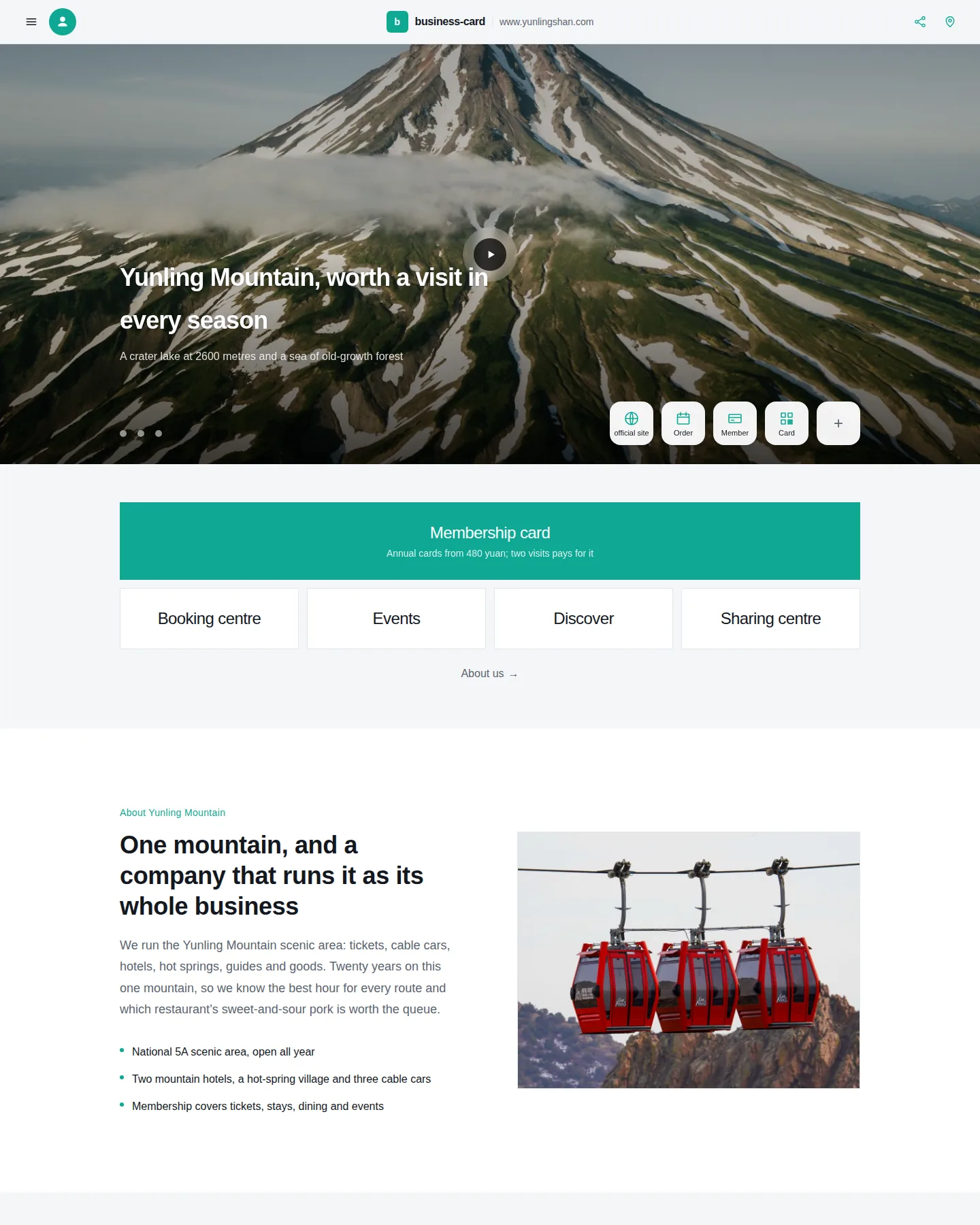
A mobile-first company card: full-bleed image carousel, a stack of thumb-sized entry buttons, a drawer menu and a scan-to-share footer. The sample is a scenic-area operator; swap the copy and photos for any industry.
Starting from a template that already fits your industry beats starting from a sentence — and it saves the AI writing it all from scratch.
A mobile-first company card: full-bleed image carousel, a stack of thumb-sized entry buttons, a drawer menu and a scan-to-share footer. The sample is a scenic-area operator; swap the copy and photos for any industry.
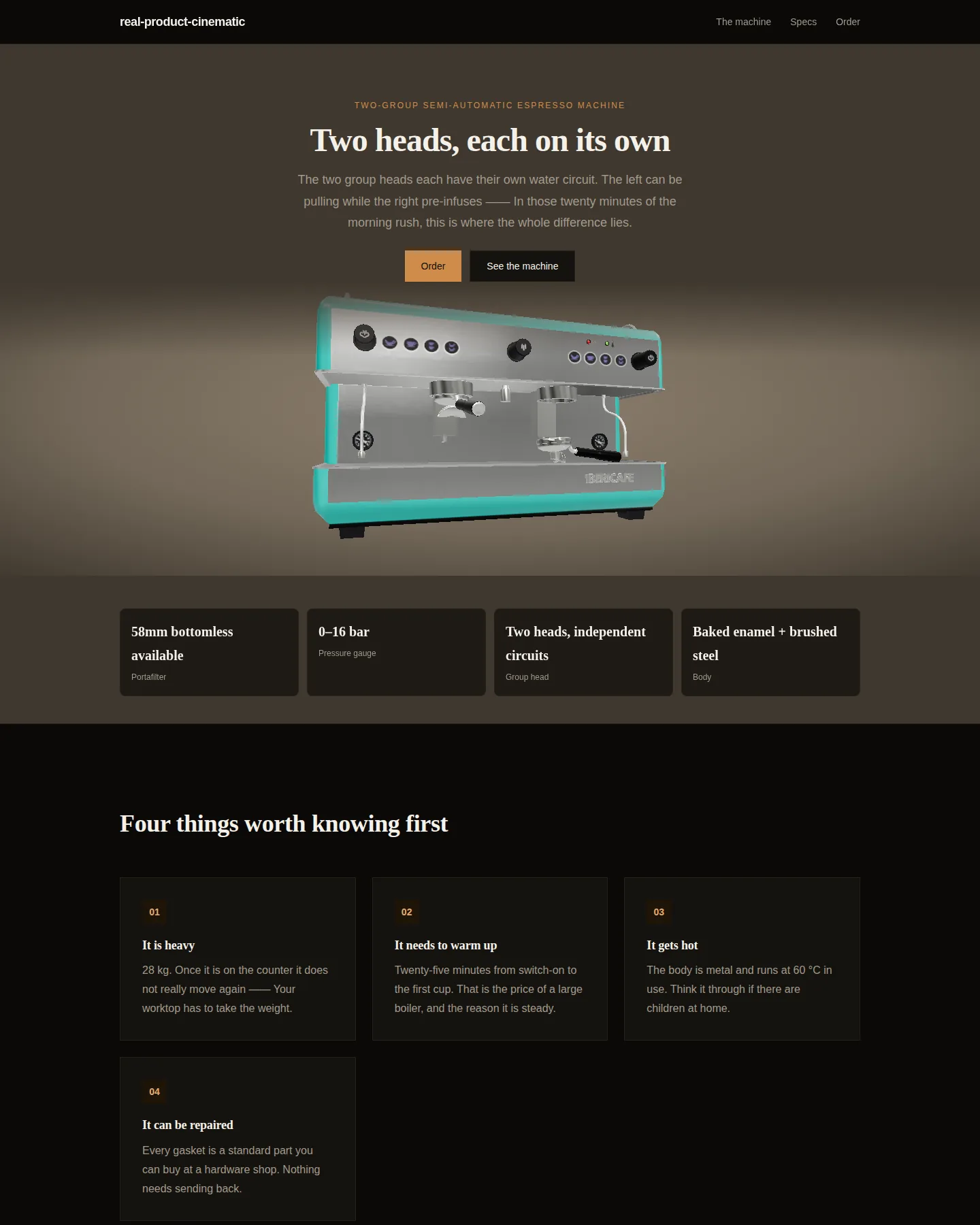
A general-purpose page for high-end physical products with the full motion director: arrival, idle, timed beats, dwell, hotspots, drag to explore, and scroll settle.
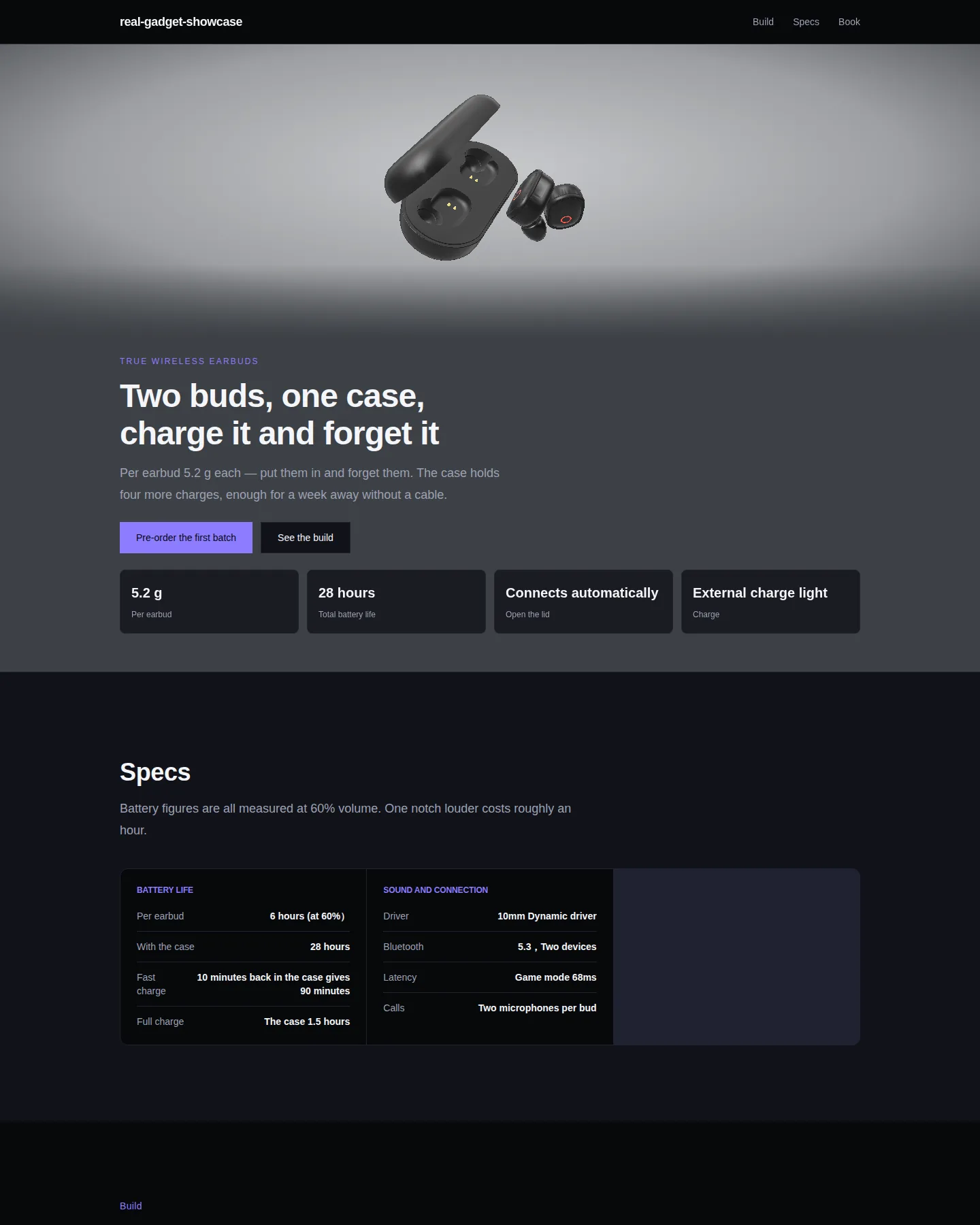
A real pair of earbuds on a full-bleed cinematic stage: light sweeps across the shell, hotspots surface when you linger, a click pushes to macro. Scroll only changes chapters — it keeps moving even when you don't.
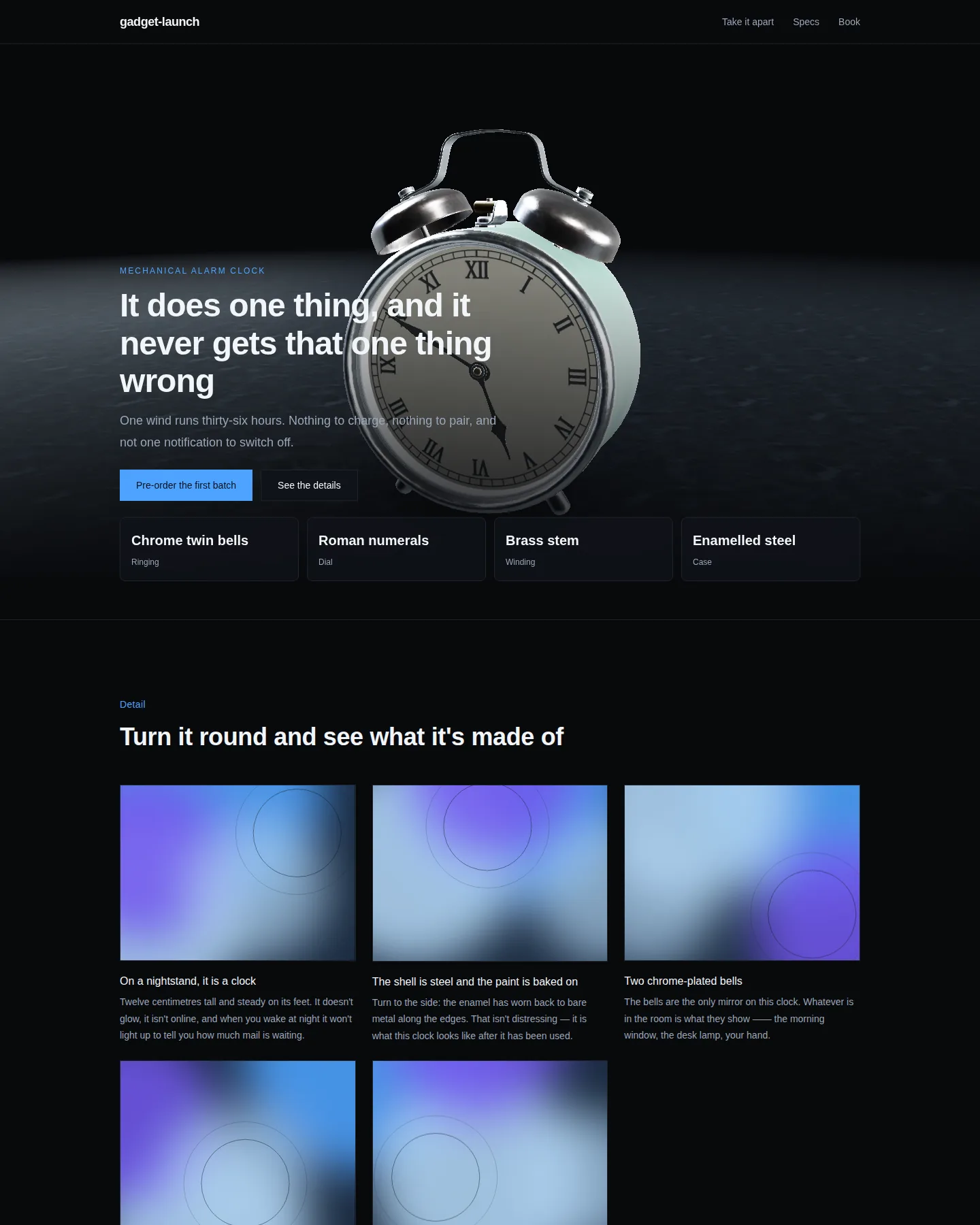
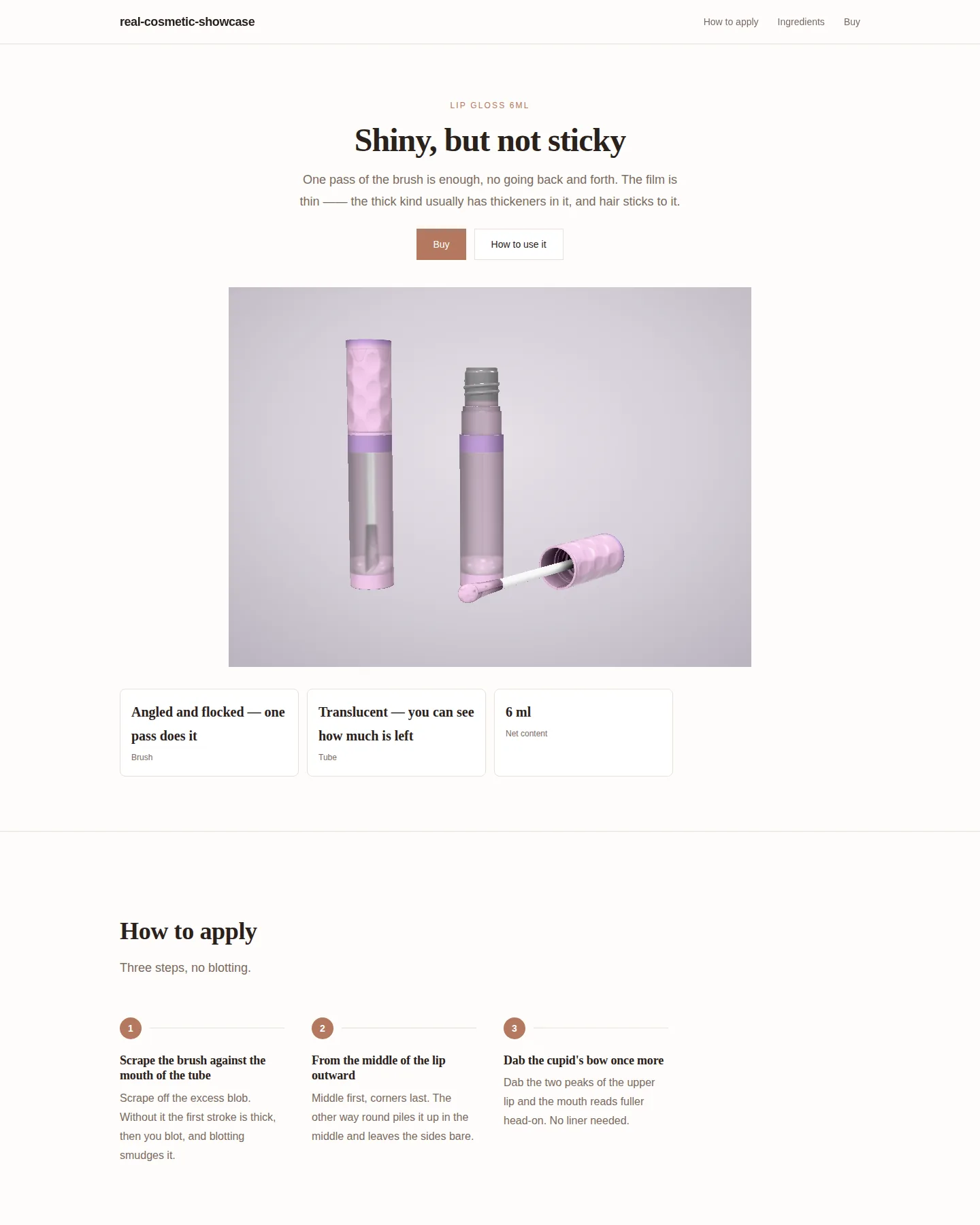
A real object in a dark studio: a turntable, a macro push-in and hotspots pinned to actual parts. Browsers that cannot draw it fall back to a poster rendered from the same model under the same lights.
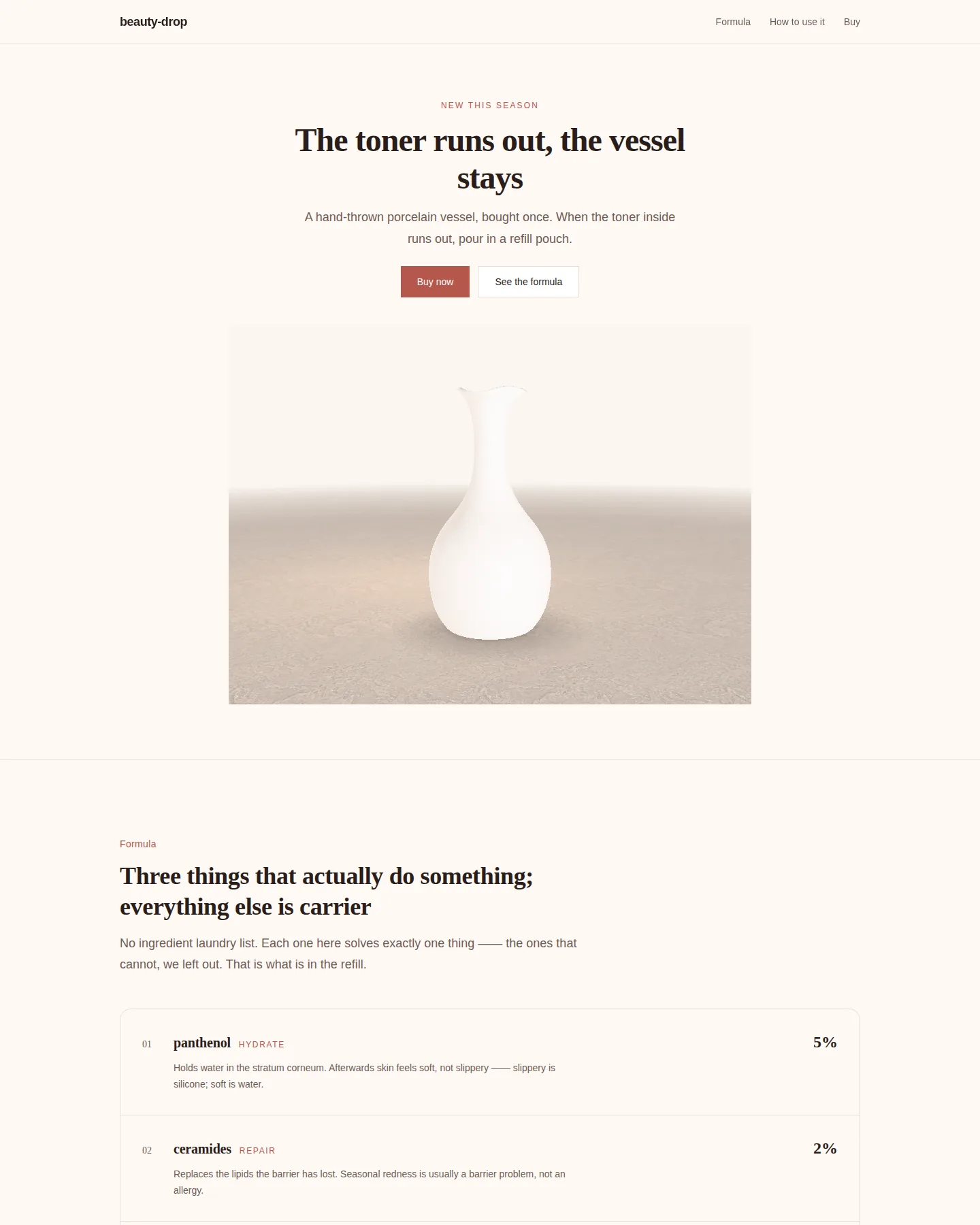
A light, softbox 3D launch page: a vessel standing on a seamless sweep, with formula, ritual and sizes across three pages. Suits skincare, fragrance and everyday goods.
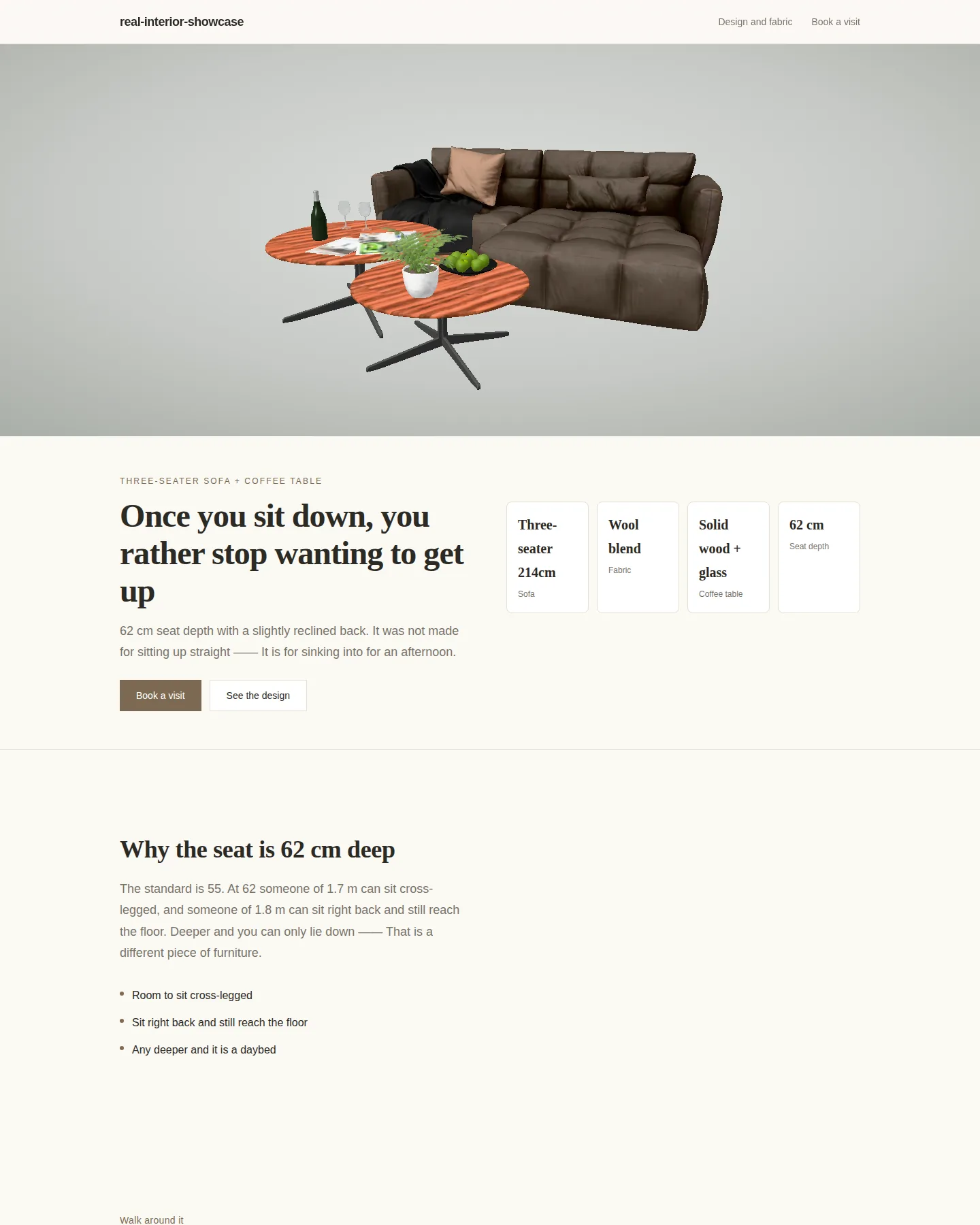
A panoramic hero that shows the room first: a sofa and coffee table in an off-white daylight space. The camera changes position around the room; the furniture never spins.
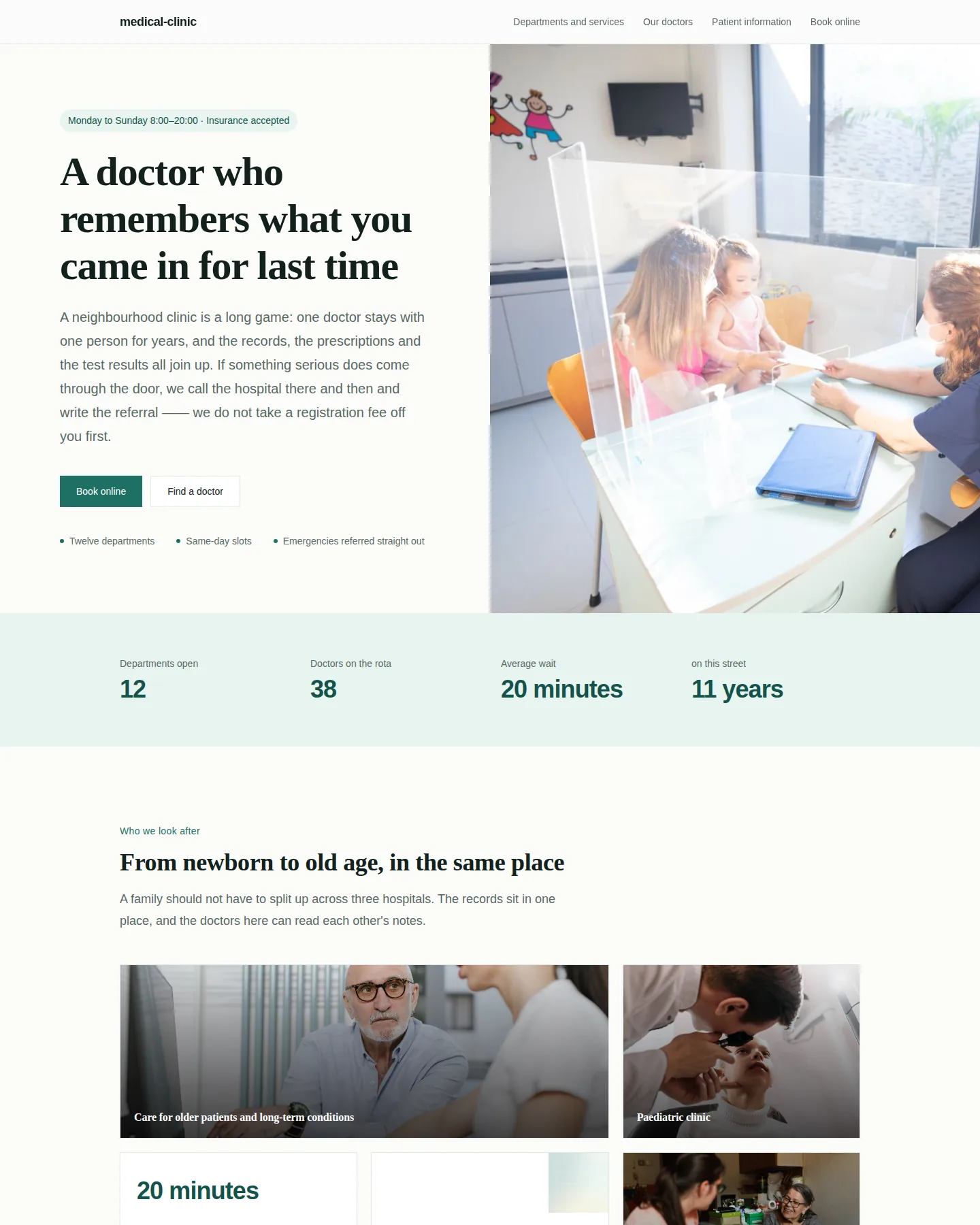
Healthcare. Departments that triage, a searchable doctor directory, patient information and online booking — every promise comes with its limits, including what the clinic will not treat.
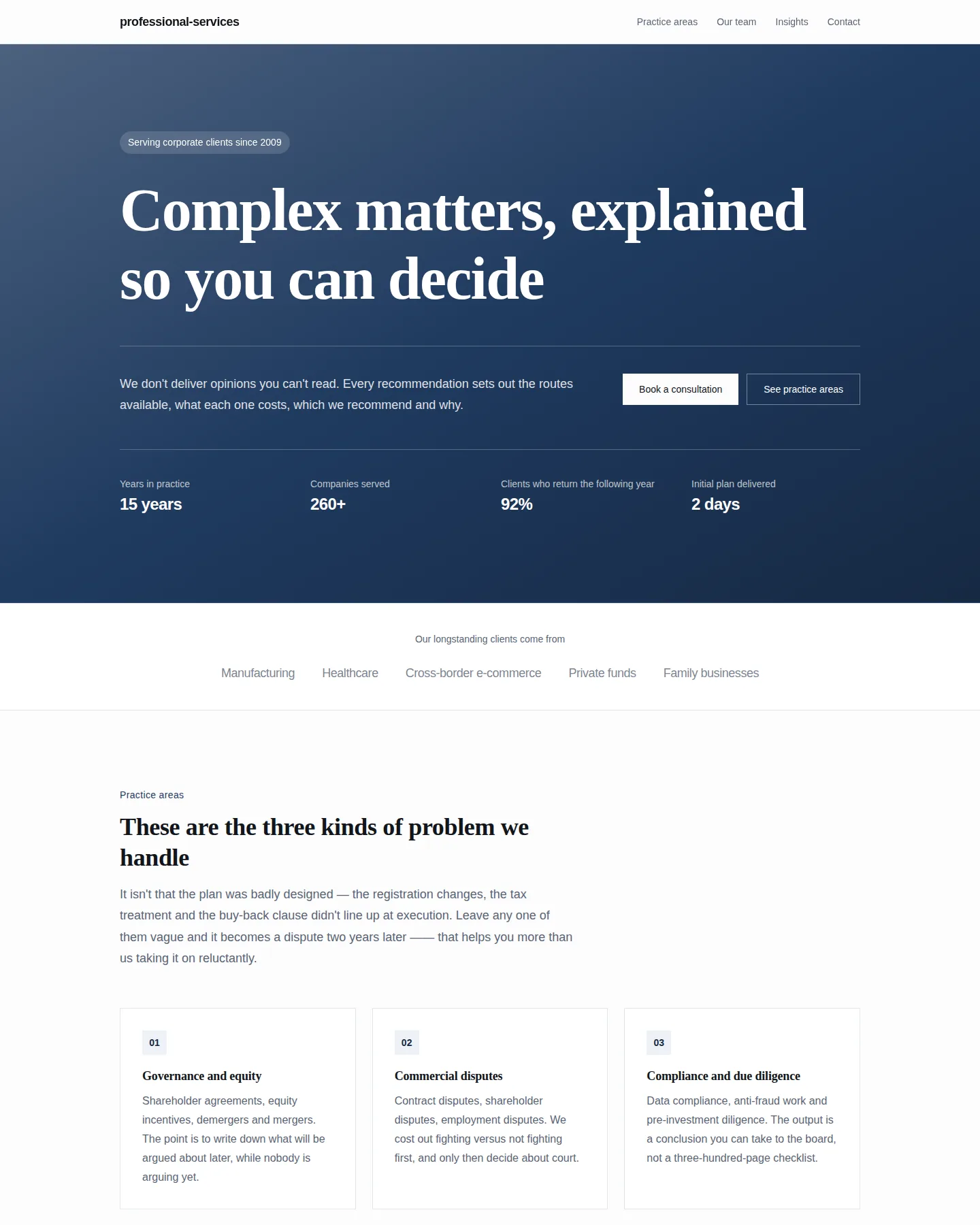
Law, accounting and consulting. Practice areas, team, insights and a lead form — laid out the way a client doing due diligence reads it.
A cream jar centred and enlarged in a high-key studio. The pointer moves the light and the reflections, not the jar — the material does the talking.
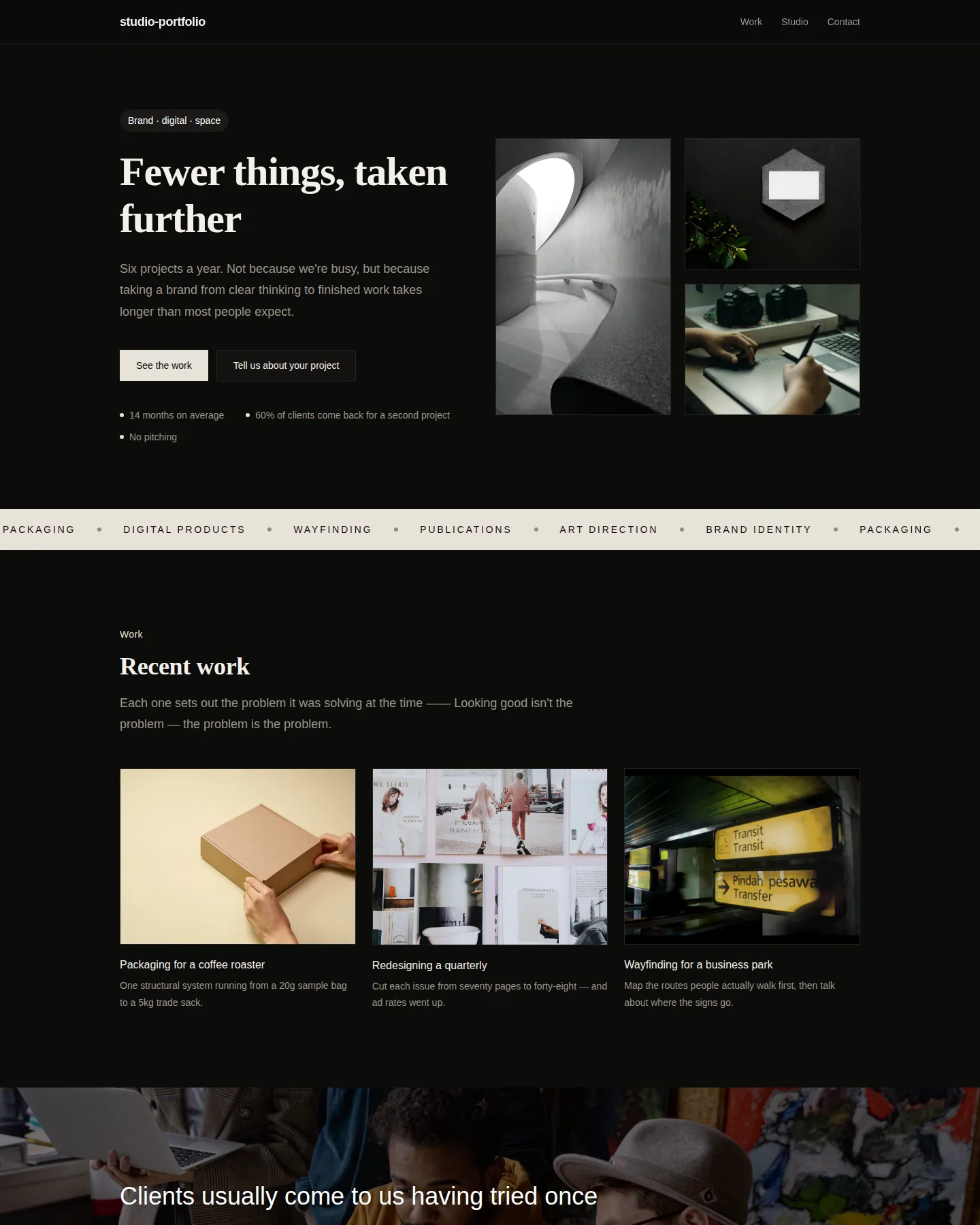
Dark ground, oversized type and an offset wall of photographs. Work, studio and contact — built to make people open a second project.
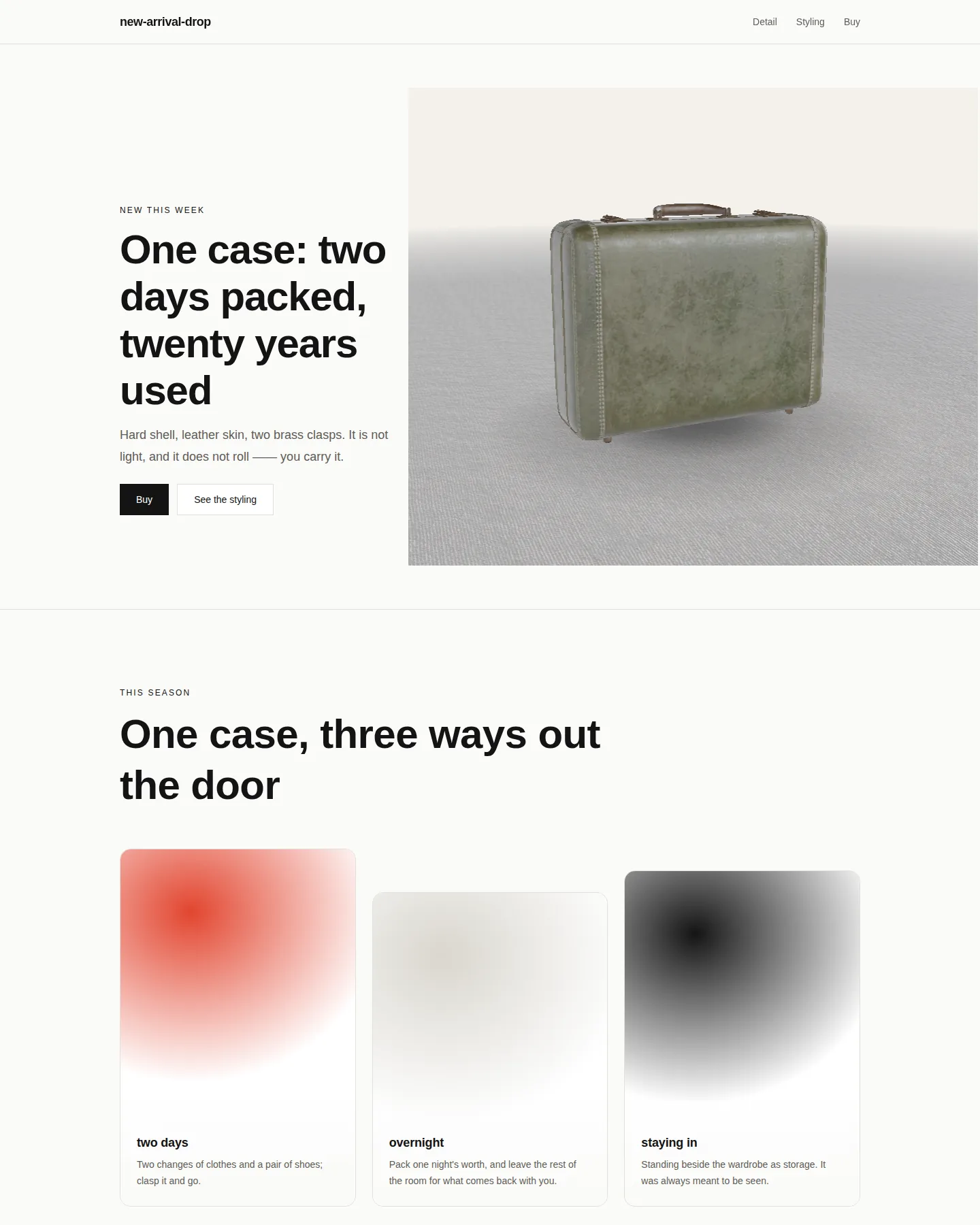
A magazine spread: the object presses against the edge of the type area and bleeds right, the copy sits in a narrow left column. Detail, styling and checkout across three pages — for things that sell on taste, like bags and clothing.
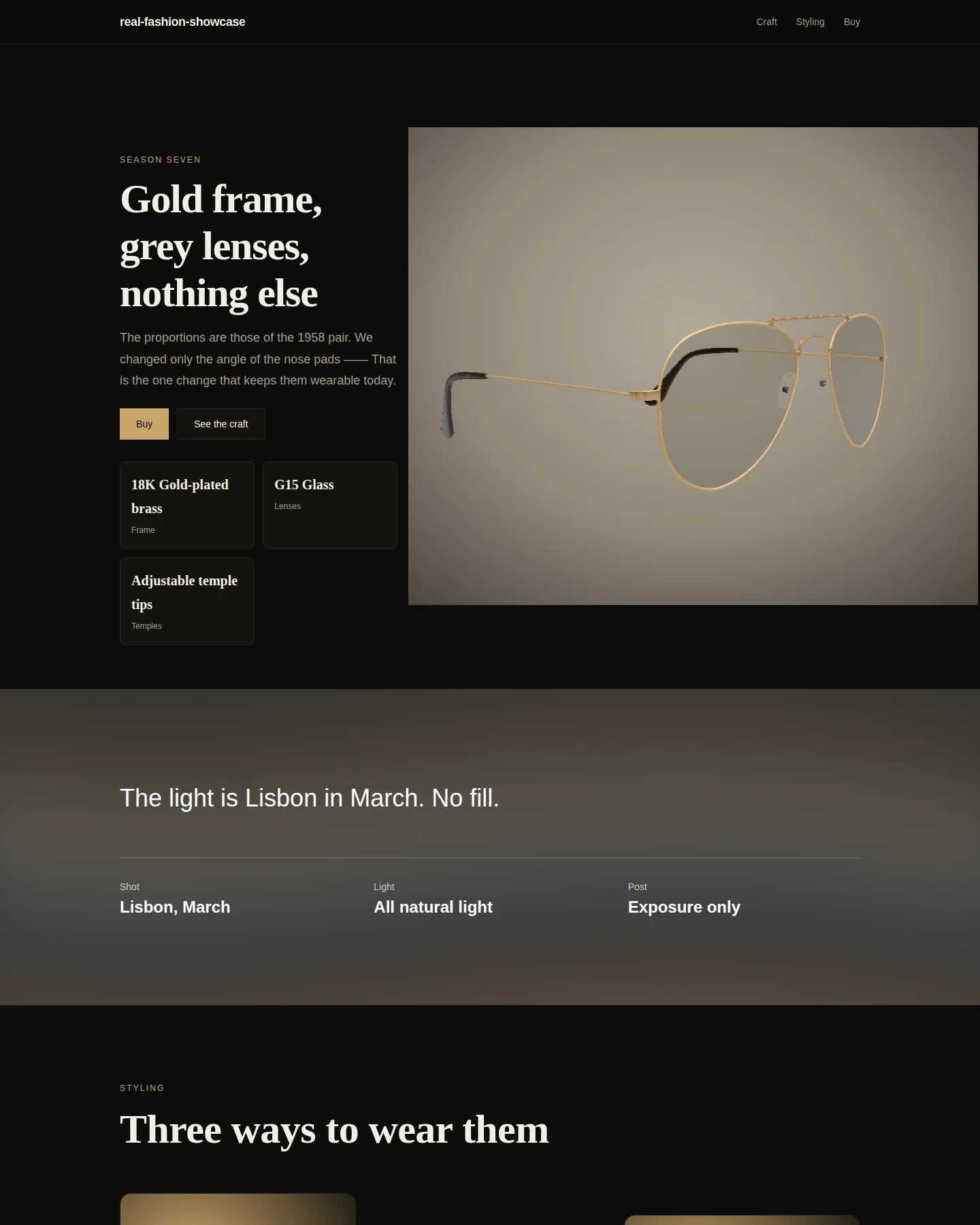
An asymmetric editorial crop with the subject off to one side. Almost still — the camera only moves to a second setup once your hand has rested there long enough.
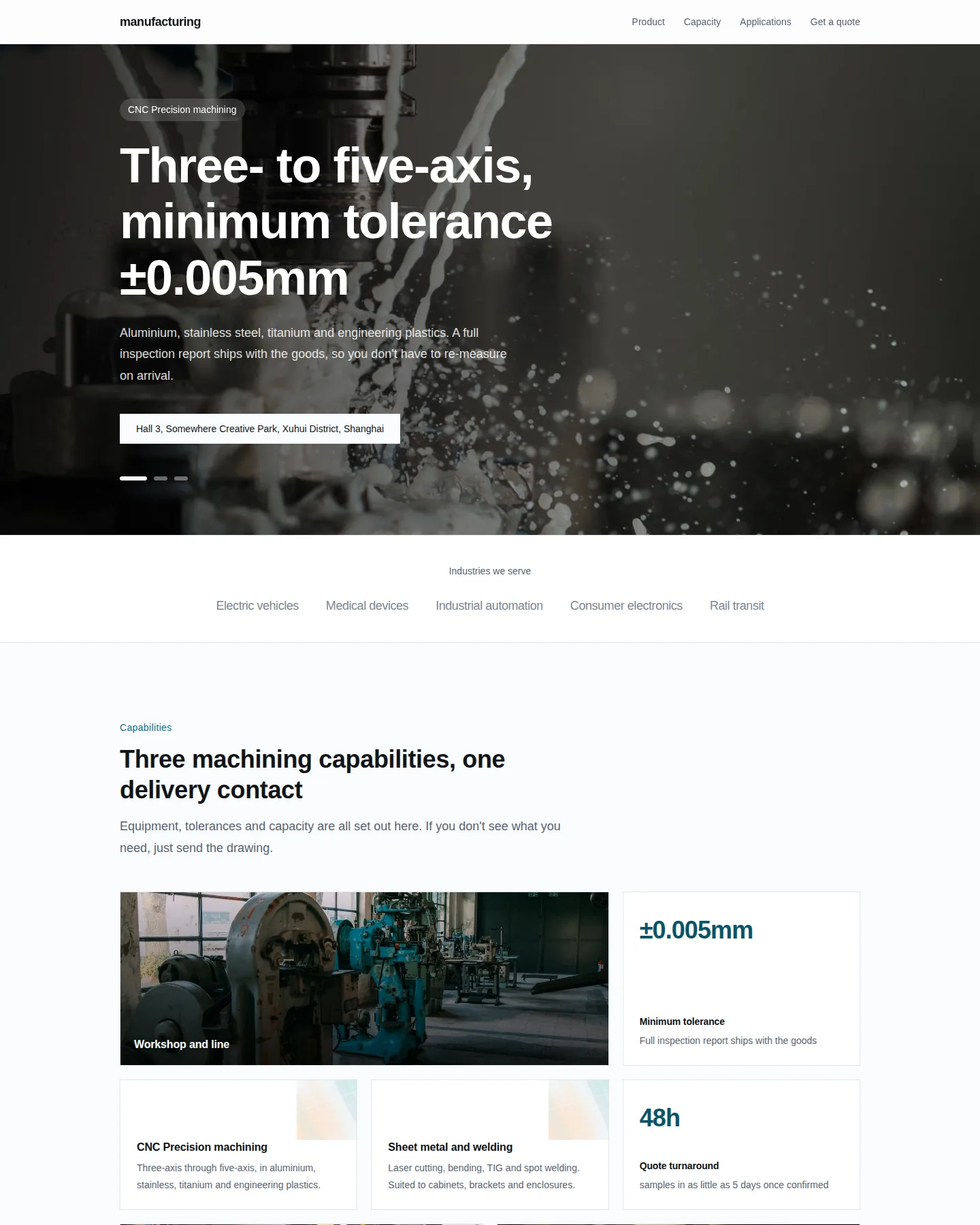
Products and production capability up front, with a quote form and case studies — buyers come here to ask for a price.
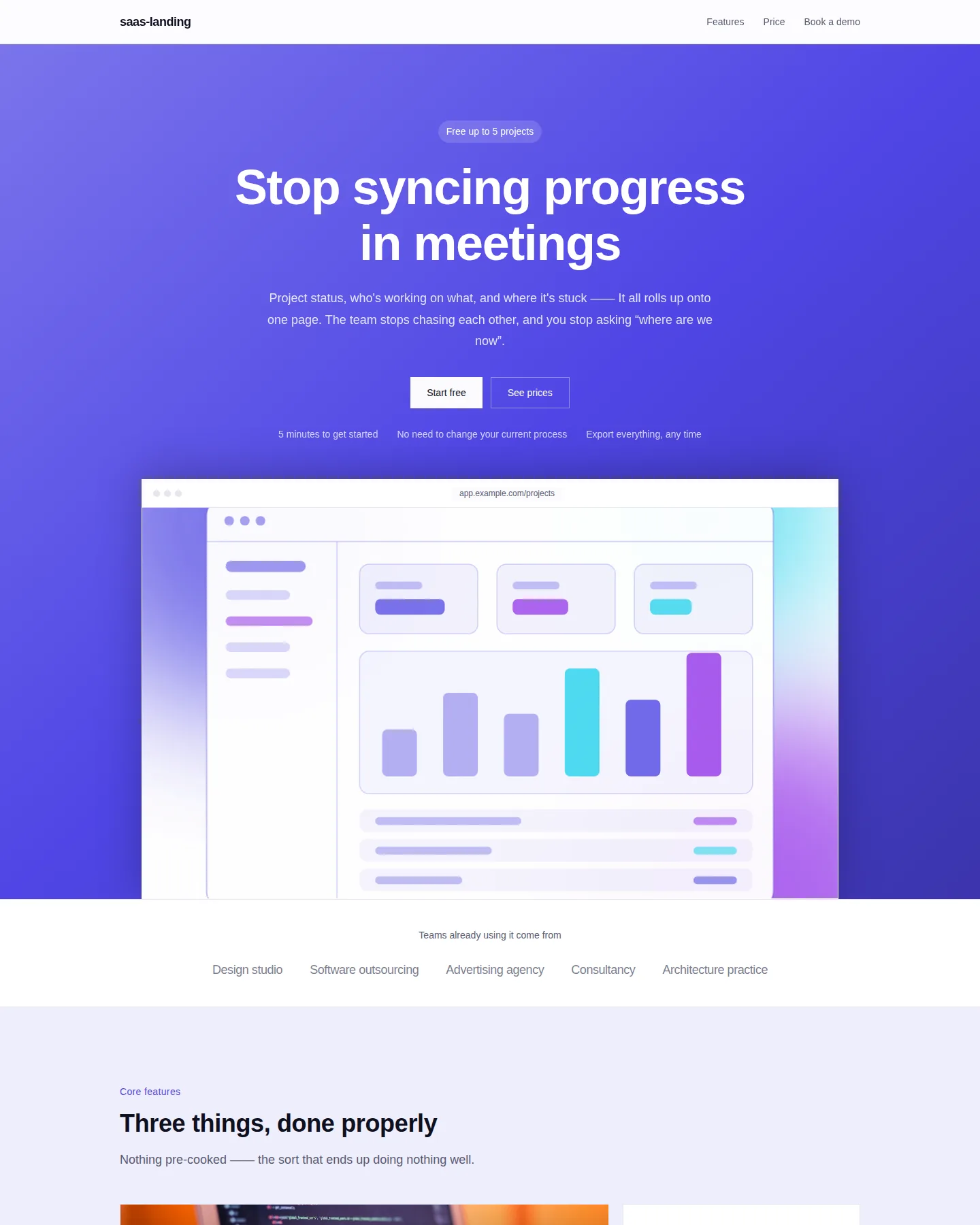
One goal: sign-ups. Features, pricing and FAQ, with a single primary action on the whole page.
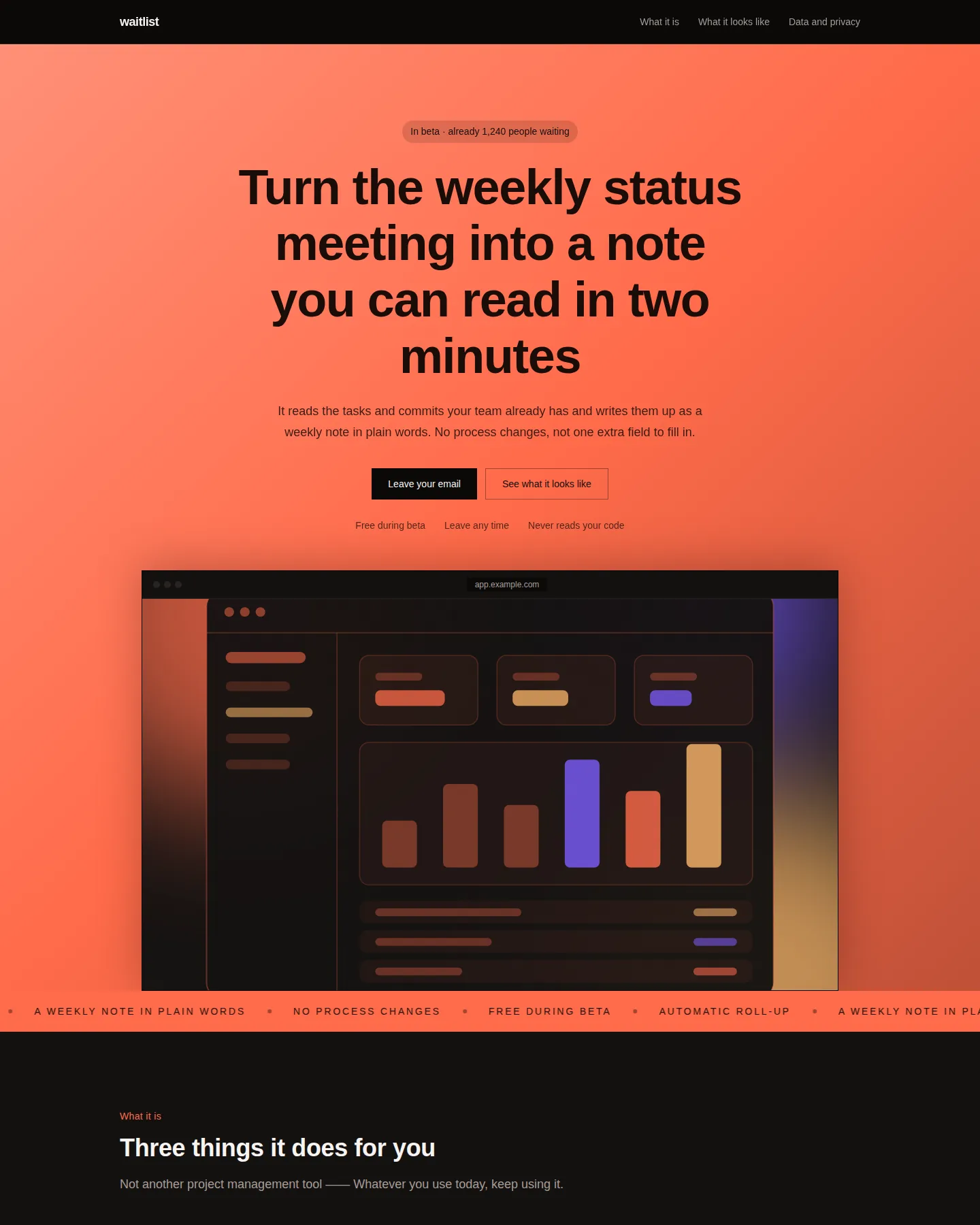
For something that isn't out yet. Full-bleed brand colour, a scrolling strip and one email field — a single action on the whole page.
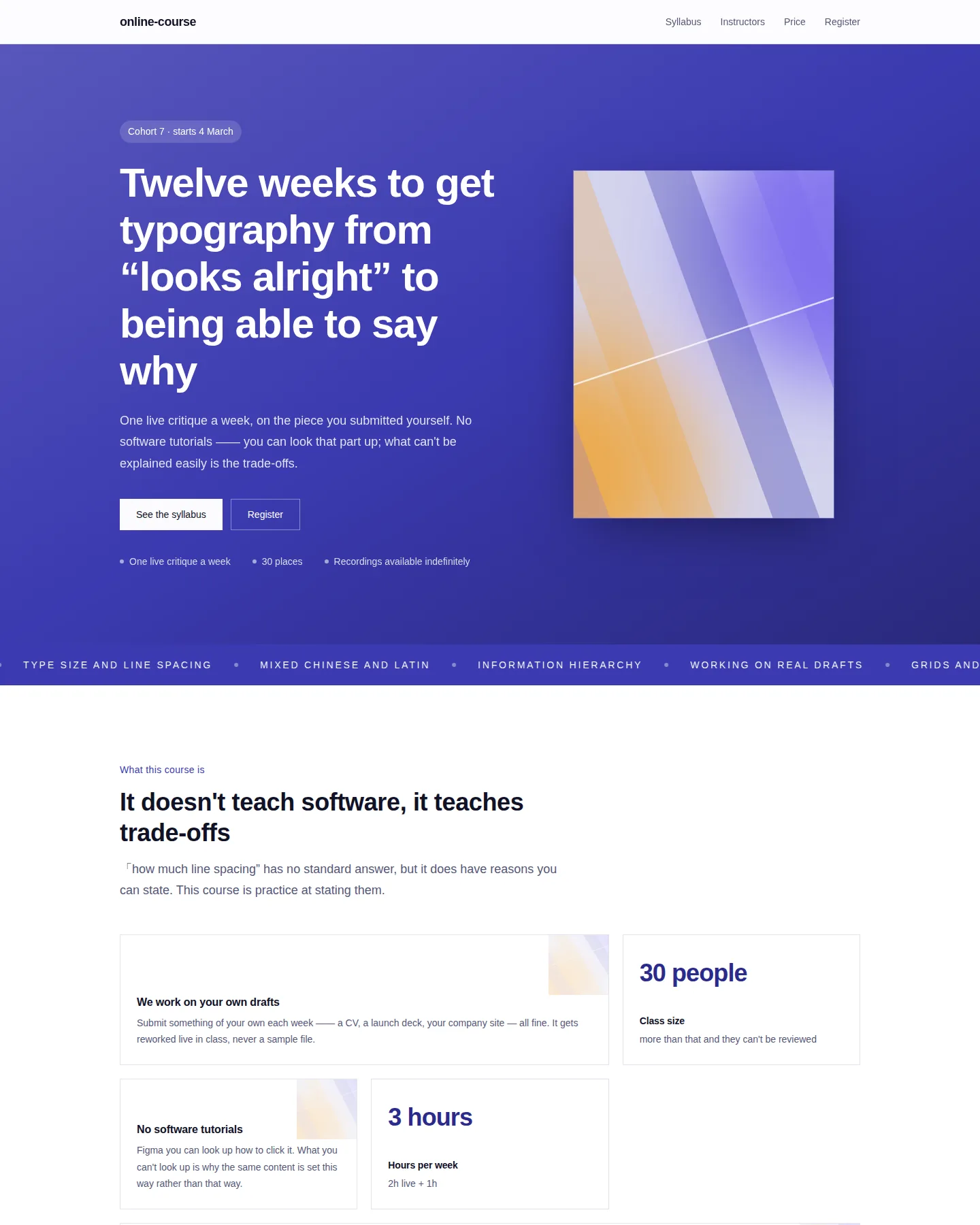
A poster-like hero on a coloured ground, plus syllabus, instructors and two tiers. For courses that run in cohorts with limited places.
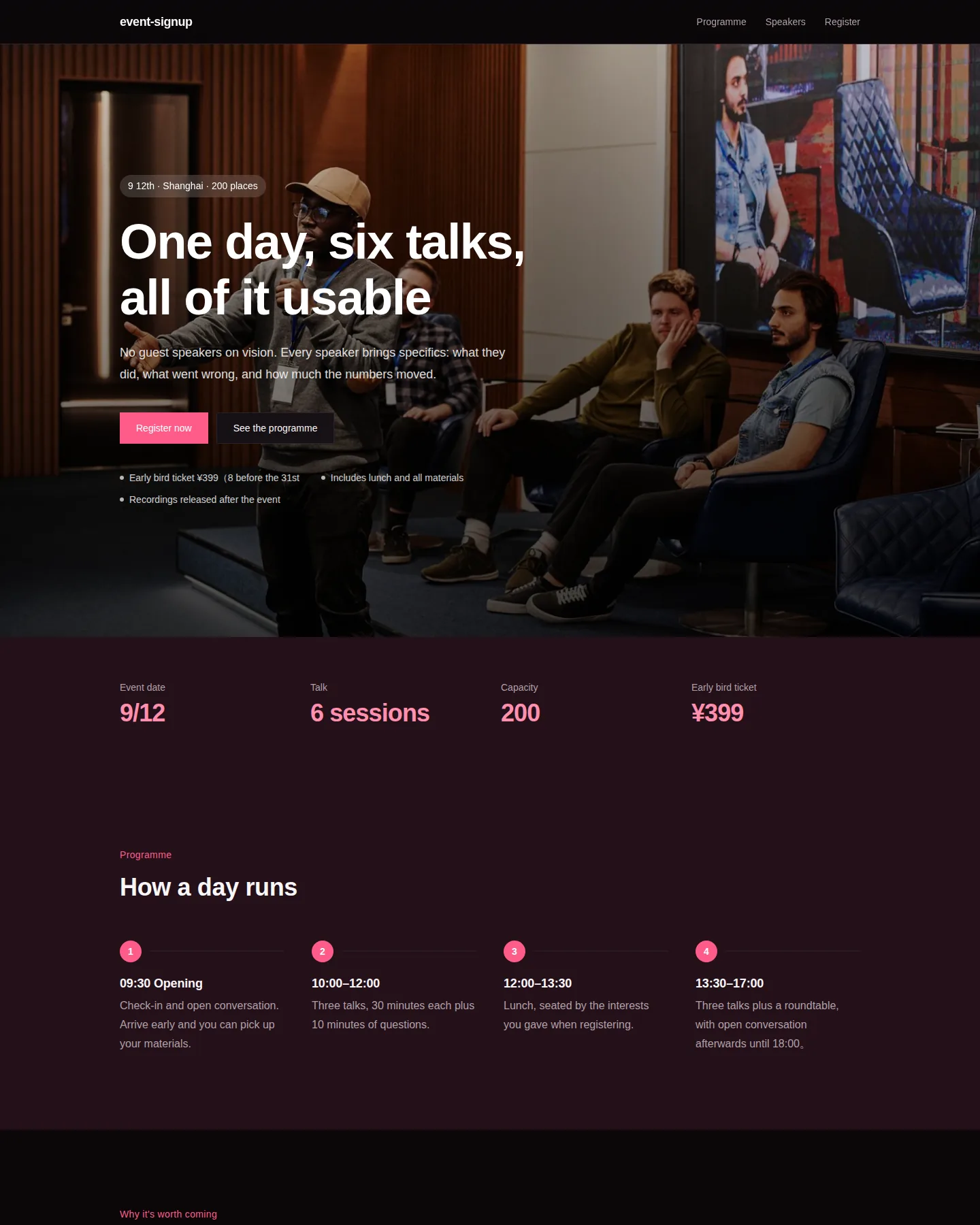
Agenda, speakers and a sign-up form. Ticket price, refund rules and capacity are all stated up front.
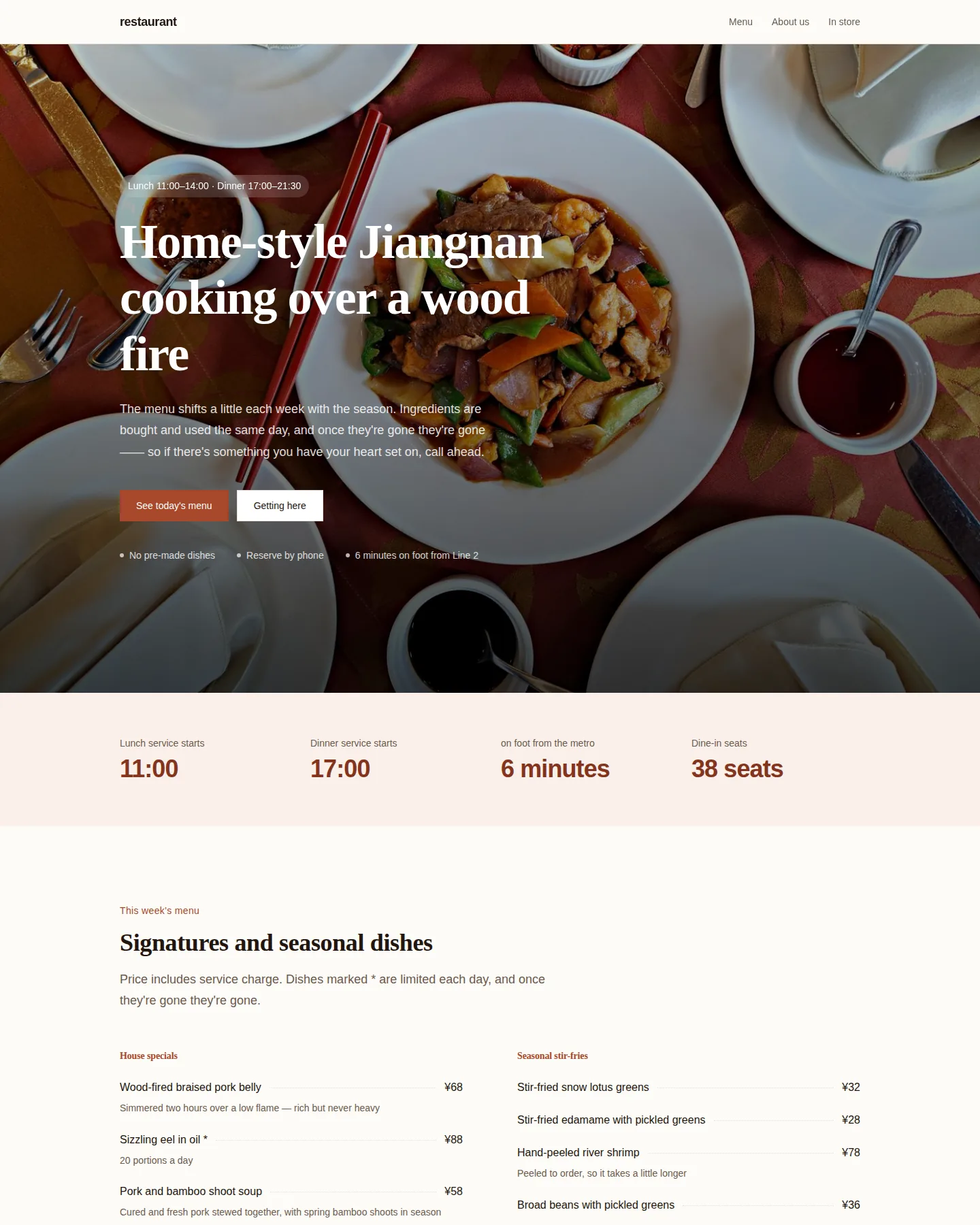
Menu with prices, opening hours and a table-booking form. Works on a phone: see the menu, find the address, call.
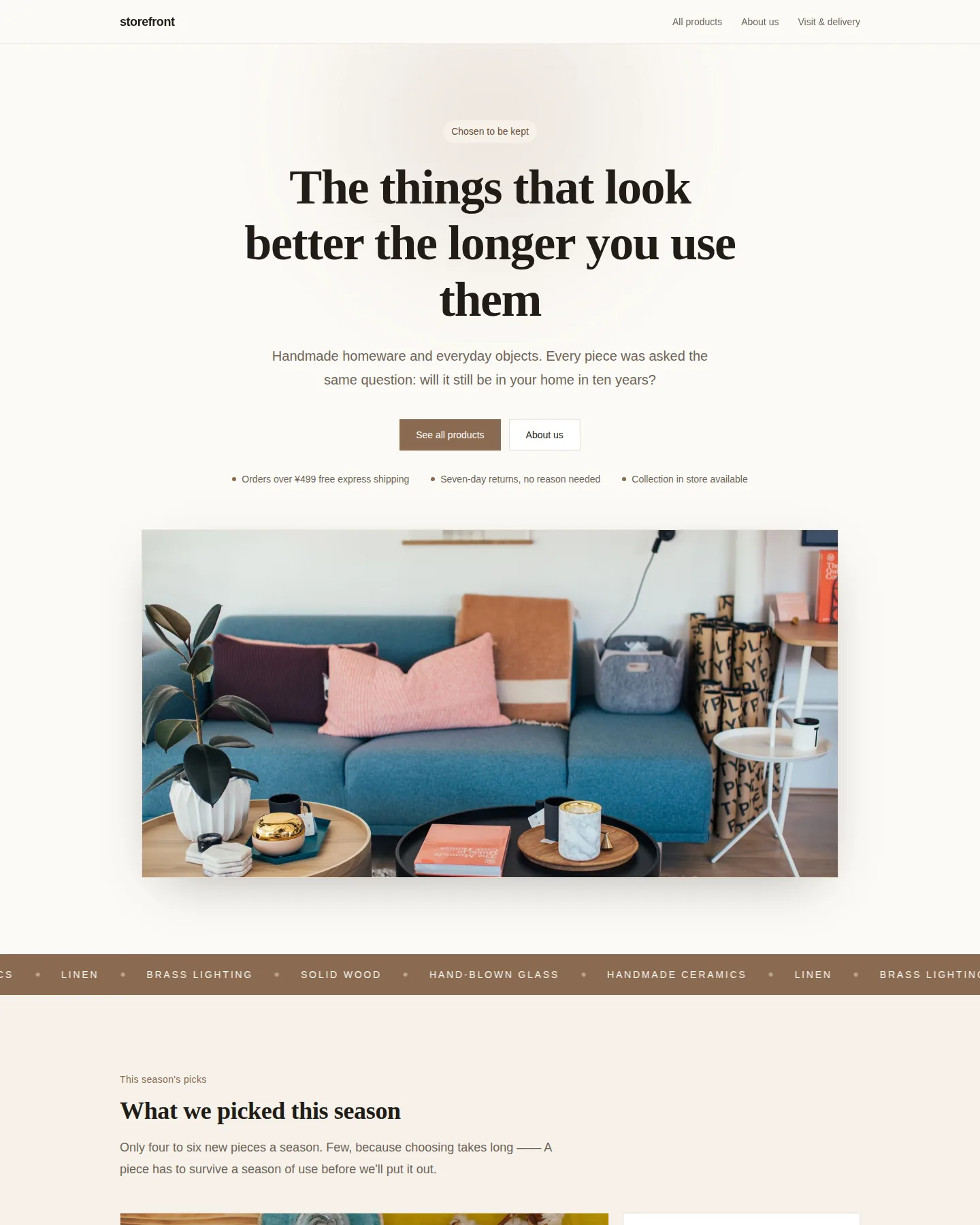
Warm editorial: a full-width photographic hero, a bento product wall and visiting details. For shops with few products and a long story.
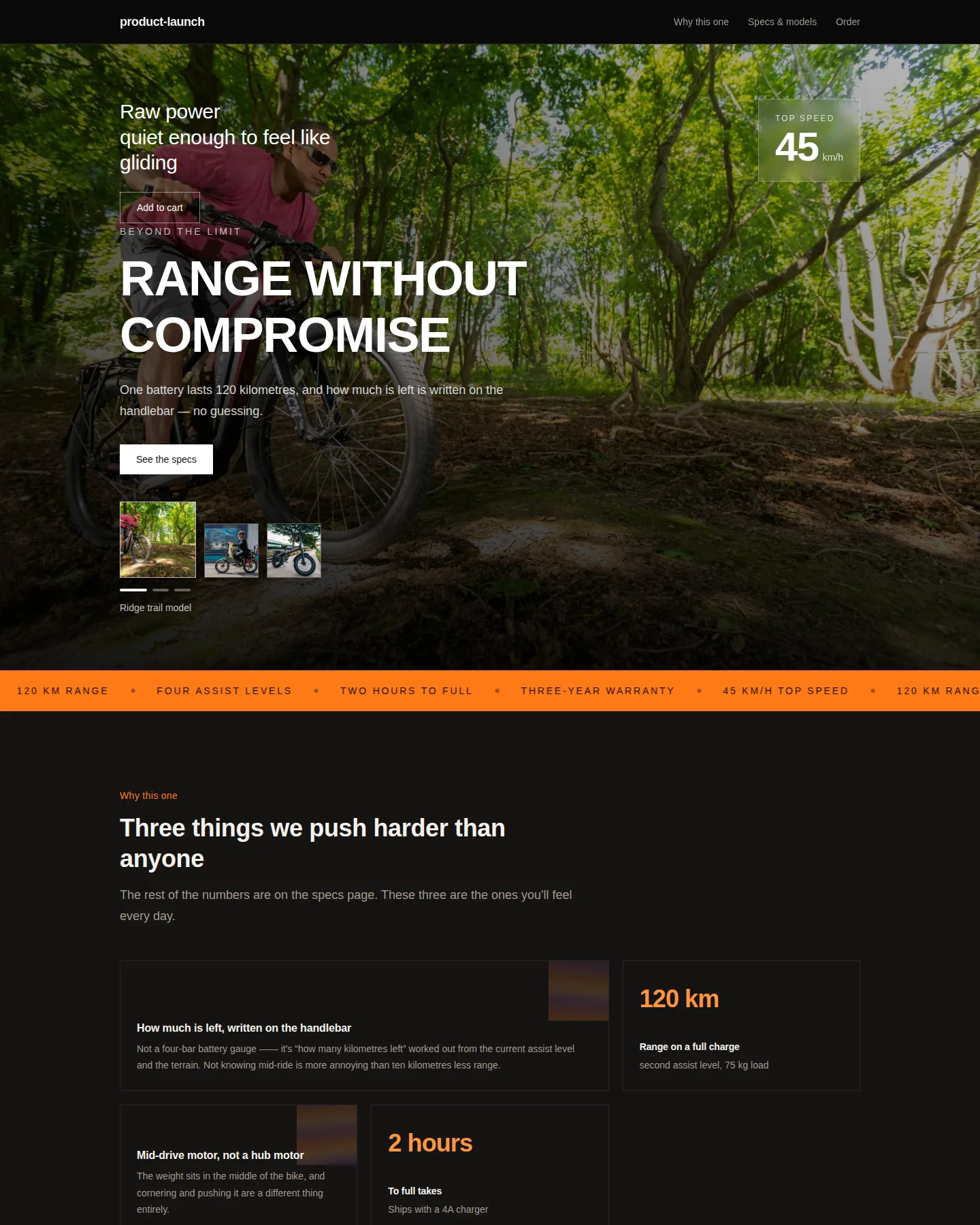
A dark full-screen visual, a floating spec card, an oversized headline at the foot and a model switcher bottom right — what it looks like, how strong it is and how many versions, all in one screen.
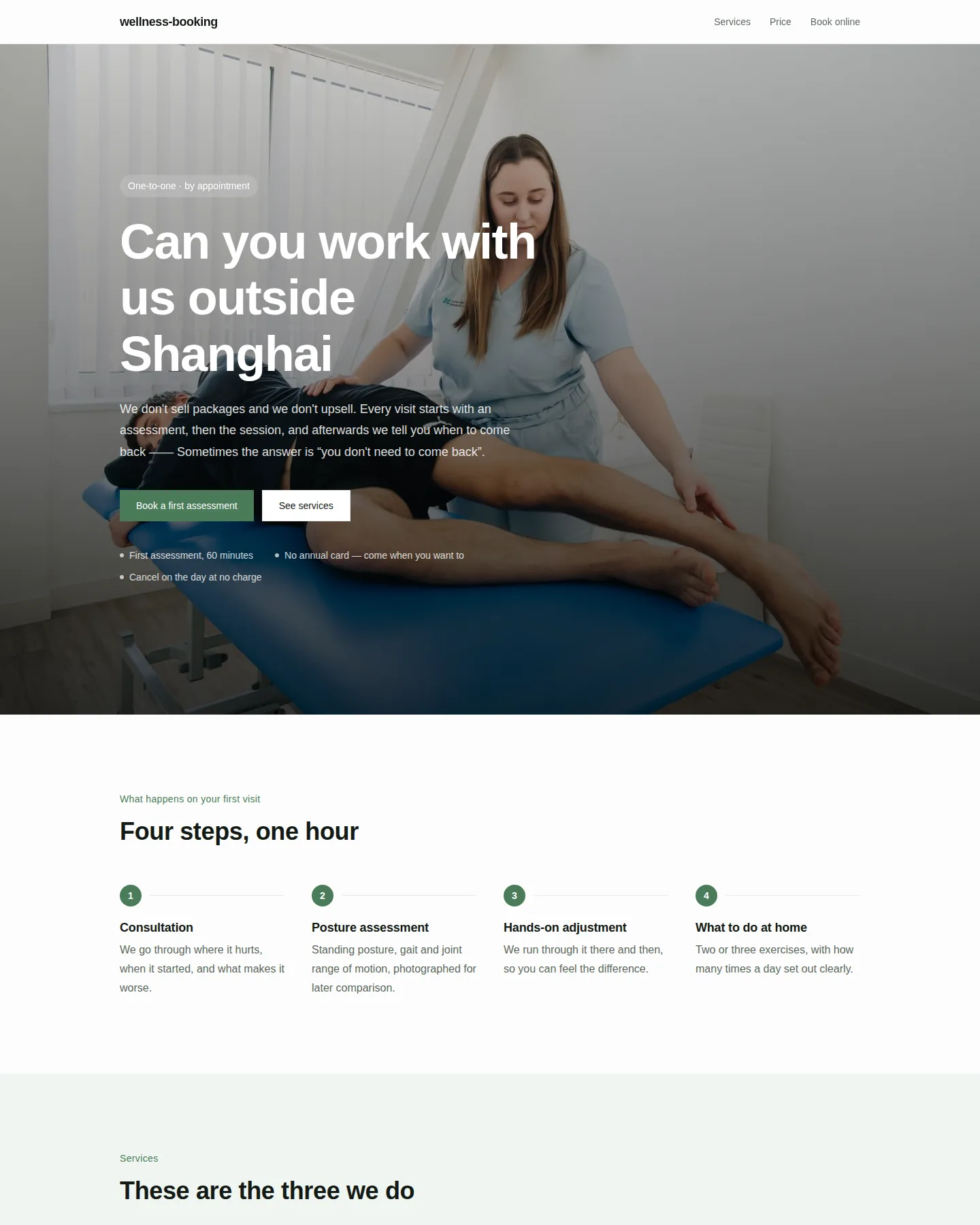
Wellness, fitness and rehab. Services, pricing and online booking — the booking form reads your choices back to you.
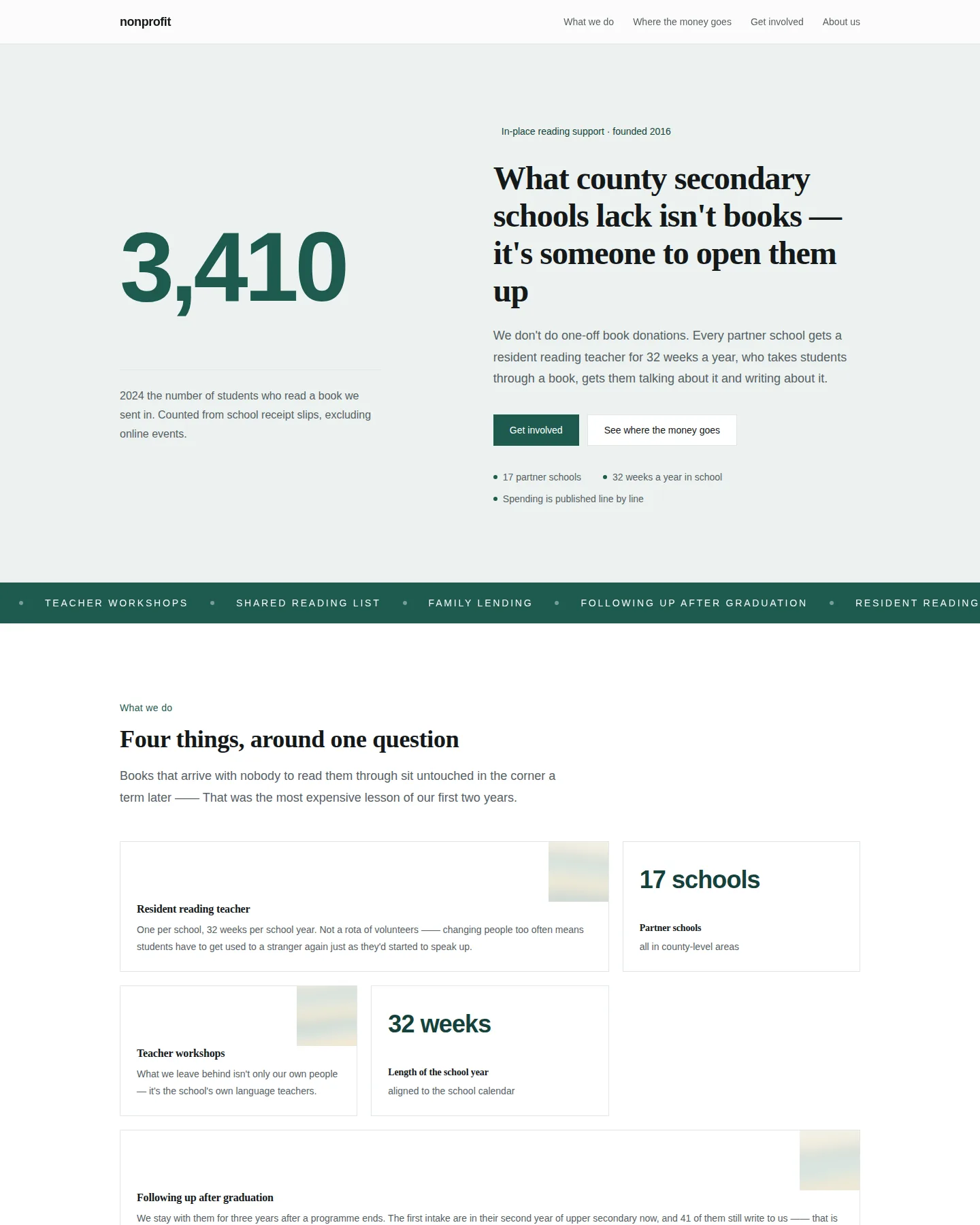
Opens on one enormous number, then the cost breakdown and line-by-line spending — what a donor asks first is how big this is and where the money goes.
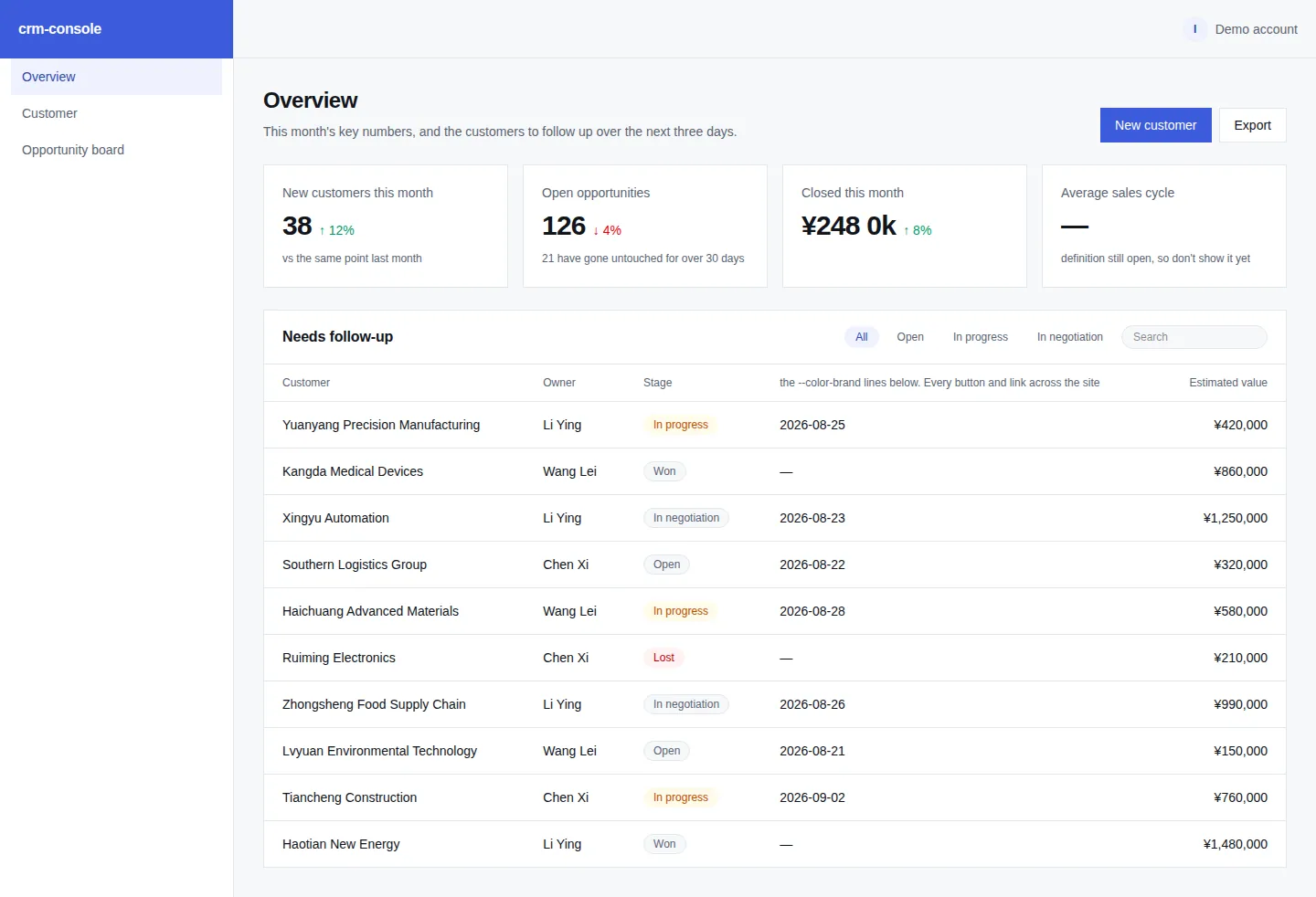
Sidebar app: KPI cards, a filterable customer table and a pipeline board. Sample data included so it runs immediately.
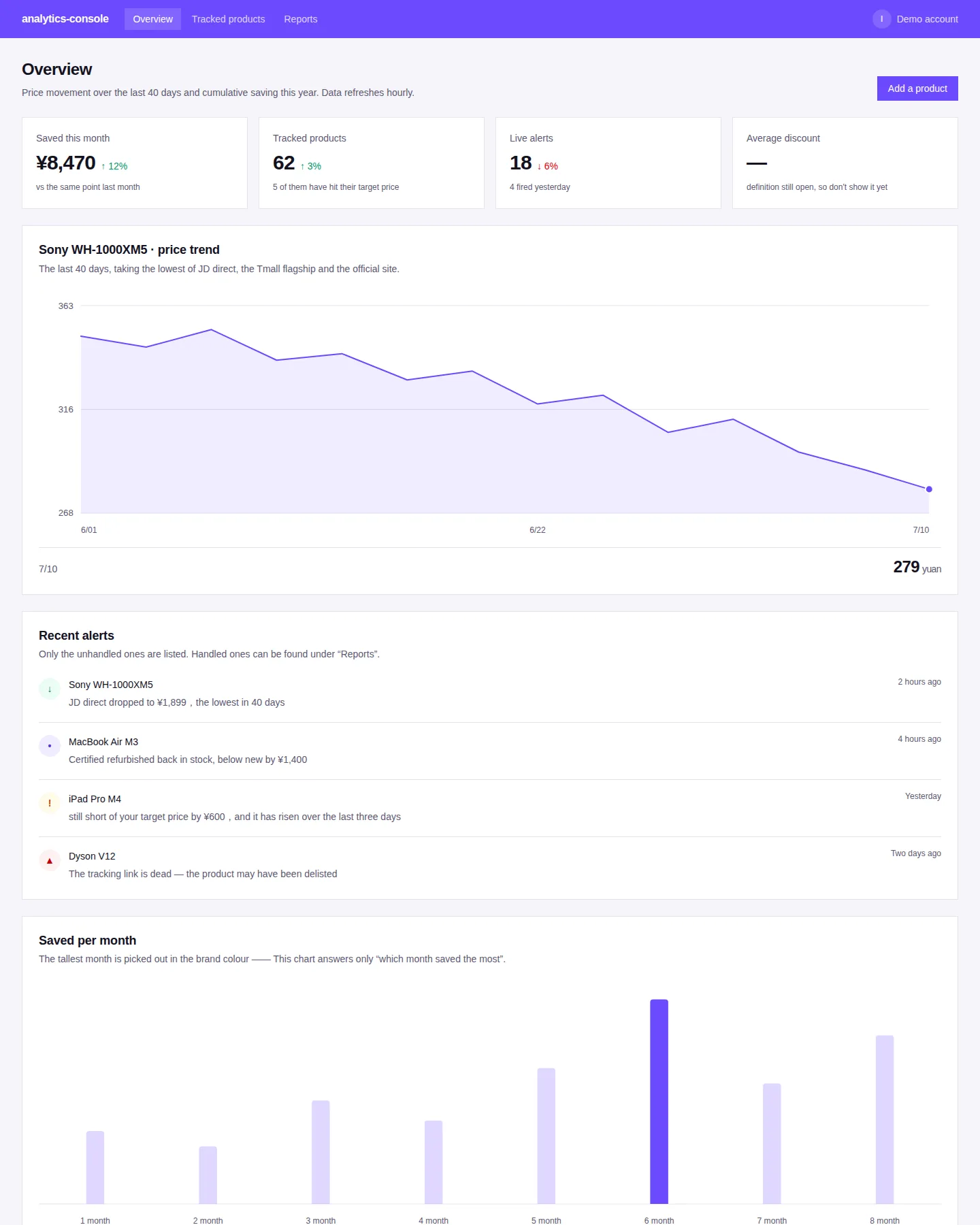
A chart-led console: trend line, bar chart and a progress meter, with an alert feed and a detail table. Charts are plain SVG — no charting library.
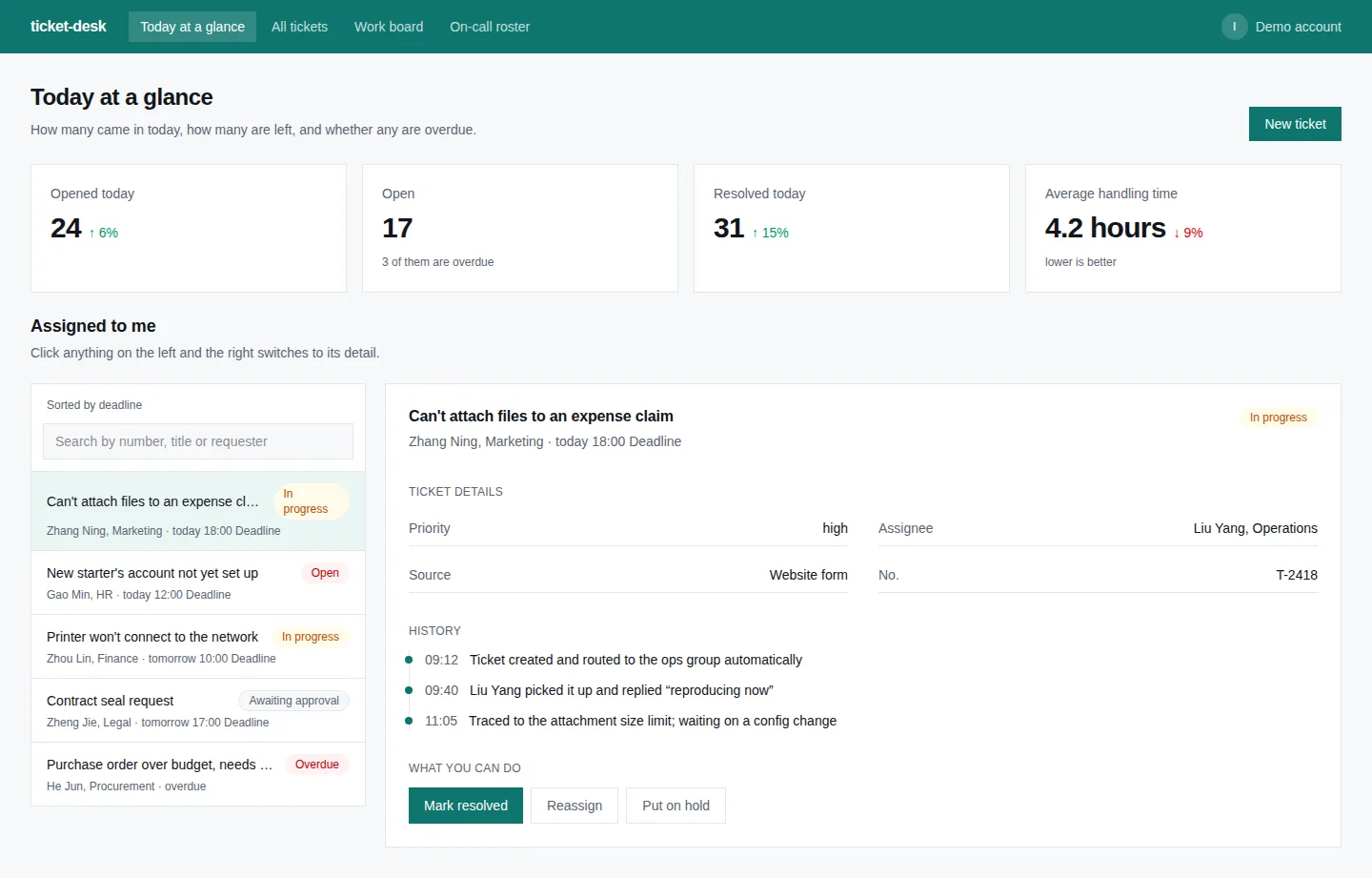
Today's overview, ticket list and a flow board. Priority and overdue state are visible at a glance.