Guide
Appointment Requests After Closing: A Practical Guide for Salons
A customer asks in the evening whether they can book an appointment, but the salon can only reply the next day. Put service details, pricing information, and an appointment request together so customers can leave the necessary information in advance, giving staff something to refer to when they open.
By Infoholder Studio · Published Oct 14, 2026 · 3 min read
Also available in: Malay · Japanese · Traditional Chinese · Simplified Chinese
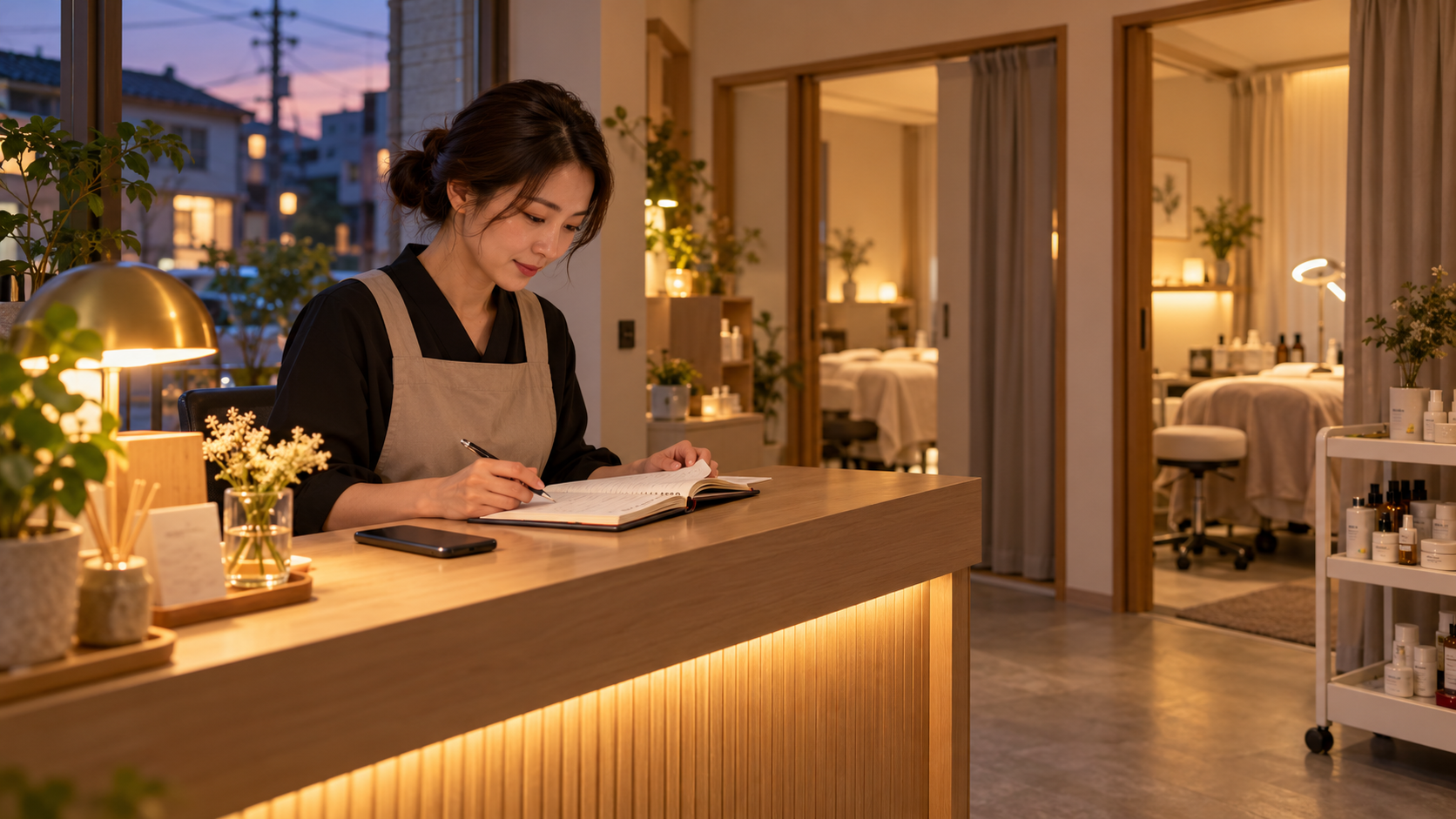
Messages like “Do you still have an opening for a treatment tomorrow afternoon?” often arrive after the salon has closed. By the time there’s a chance to reply the next day, you still need to ask which service they want, how many people, and what time works for them. Going back and forth interrupts preparations before opening.
If customers can review the services in the evening and leave the service they want, their preferred visit time, and their contact details, you’ll have more complete information when handling the appointment the next day. The salon still decides which arrangements need to be confirmed by a staff member.
Customers usually want to know just a few things first
First-time customers may not know what the salon’s service names mean. Instead of writing only “deep treatment,” add details about what needs it suits, what steps are included, and approximately how long it takes. State clearly whether the price is fixed or whether an assessment is needed at the salon.
Start by choosing a service customers often ask about and writing a complete description. Then add the address, business hours, and a way to request an appointment. Customers won’t have to browse an entire price list to find out what to do next.
Make it clear that “submitted” does not mean “confirmed”
For example, a customer selects Friday at three in the afternoon and submits a request for a facial. If staff schedules and room availability still need to be checked, tell her clearly that the appointment is confirmed only after the salon has reviewed it. Also explain how you’ll contact her and when messages are usually handled.
Appointments in Infoholder Studio can be set up to suit your needs. For services that require a conversation first, you can collect customers’ preferred times and have a staff member confirm them. For services with more predictable schedules, you can set up the services and business hours and offer available appointment times. Just choose the approach that suits the salon.
After opening, start by checking today’s requests
Receiving the details is just the beginning. Someone at the salon still needs to review new requests, check the time and service, and reply to the customer. When two staff members take turns helping customers, it’s especially important to agree on who will confirm requests, so neither assumes the other has already handled one.
Before going live, try it once on your own phone: open the service page, choose a service, enter a time, submit the request, and then find the record on the management page. Check whether the information is sufficient and whether customers can understand what happens next. If you want to collect payments online, you’ll also need to complete the relevant payment setup first; submitting a request does not mean it has been paid for.
Build it with Infoholder Studio
Start from a sentence and get a website where customers can book, order or contact you — in minutes.